
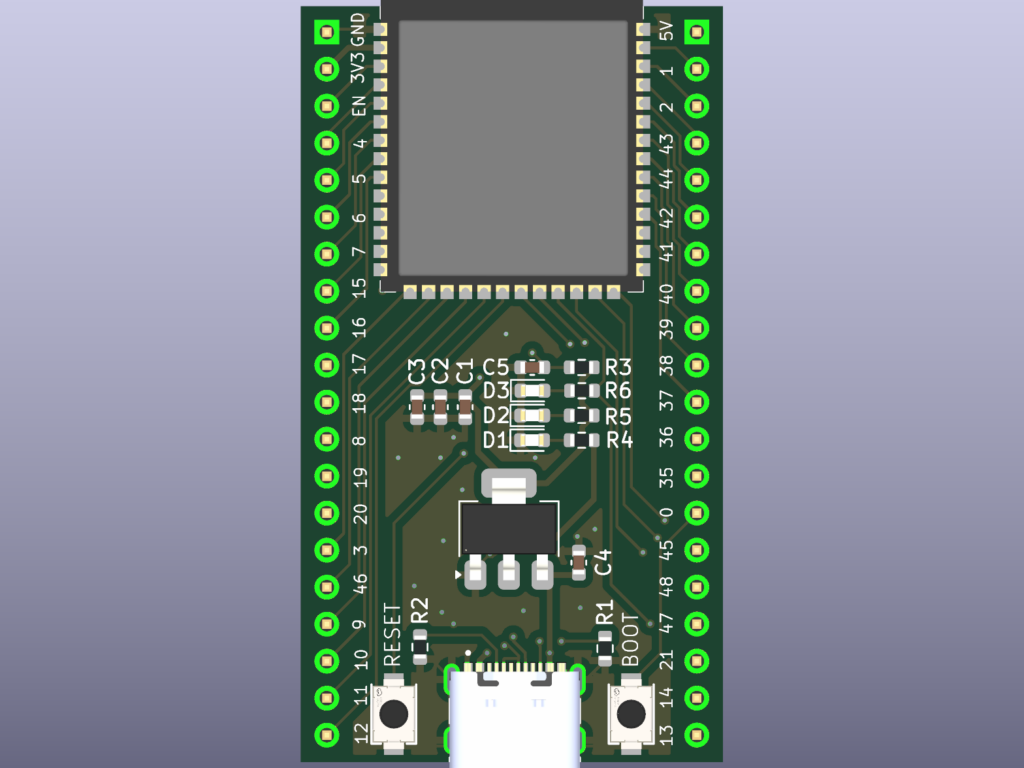
If you already live in Claude Code, Cursor, or Codex, you should not have to leave that harness to get a board reviewed. CopperPilot stays the electronics agent. The outer tool only delegates. It does not hand-edit KiCad while a run is in flight.
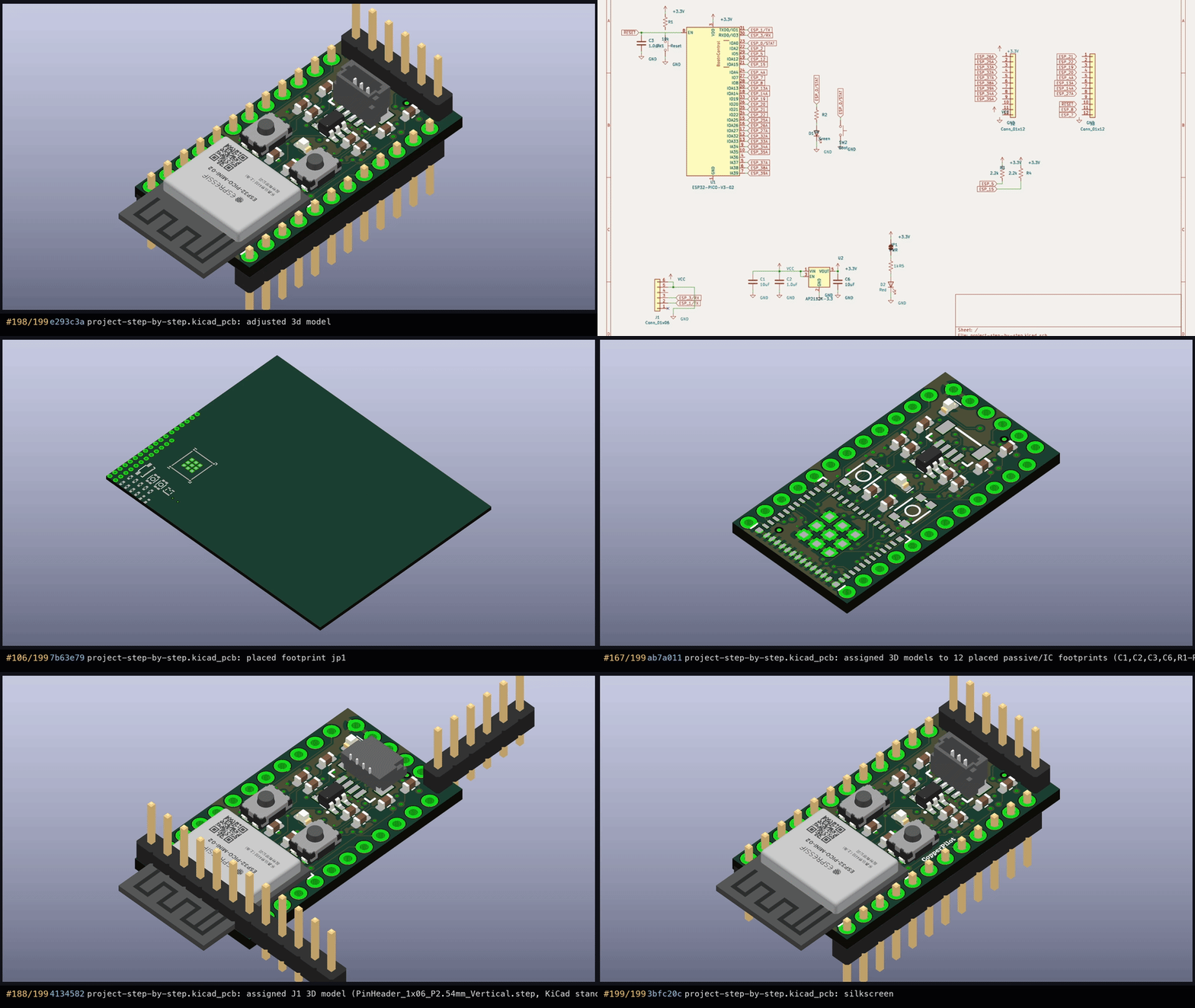
That is what landed in copper-pilot-cli#6: a portable Agent Skill, a thin MCP server, and an in-repo Claude Code plugin. Same hosted agent as the terminal client. Same ESP32-MINI-1 loop: English in, KiCad out.
Install the CLI and log in once from a real terminal. MCP will not open a browser for you:
pip install copper-pilot-cli
copper-pilot auth login
The cheapest path is the skill. Copy skills/copper-pilot-review/SKILL.md into the place your harness already reads — Claude Code, Cursor, or Codex — and ask it to review the board. It should shell out:
copper-pilot -n -m "Review this board" --json --no-stream --mode askOne JSON document comes back, including thread_id, so the next turn can --resume. Use --mode plan to propose work, --mode agent -y for Auto local writes, and --yolo only when the user asked to skip approval.
The same process is also an MCP conductor. Claude Code:
claude mcp add copper-pilot -- copper-pilot mcpOr install the plugin, which starts that server and registers @copper-pilot plus /copper-pilot-review:
/plugin marketplace add CopperPilot/copper-pilot-cli
/plugin install copper-pilot
Cursor is a stdio server in .cursor/mcp.json:
{
  "mcpServers": {
    "copper-pilot": {
      "command": "copper-pilot",
      "args": ["mcp"]
    }
  }
}
Codex and other hosts point at copper-pilot mcp the same way. Six tools: status, ask, plan, run, resume, threads_list. Workspace is the tool argument, else CLAUDE_PROJECT_DIR, else the process current directory.
MCP cannot show the TUI, so Manual approval is not available there. ask and plan always use Auto. run and resume default to Auto; you can pass approval=yolo only when that is what the user asked for. Missing login returns login_required instead of popping a browser.
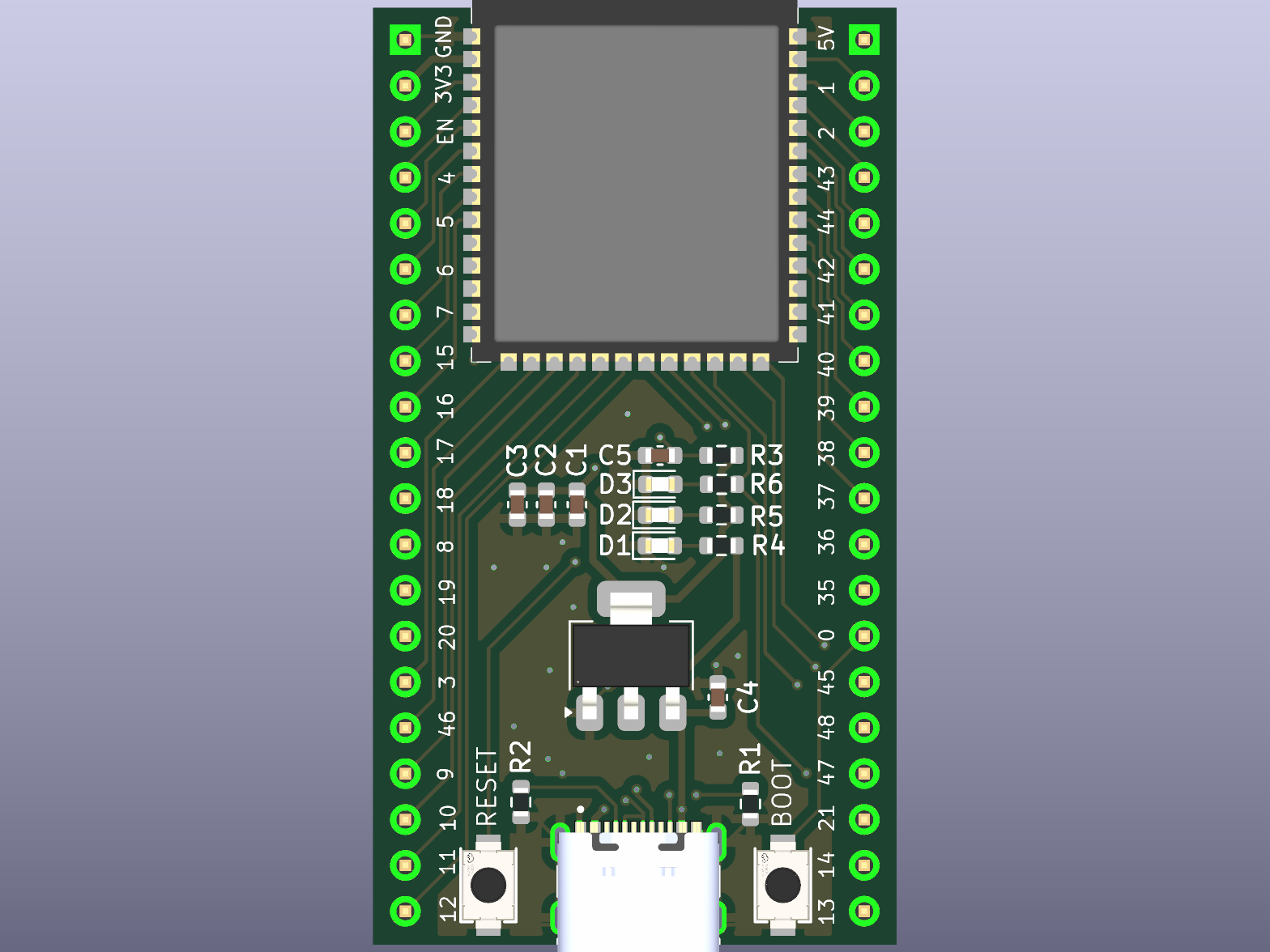
The policy is the same as the rest of the package. A thin MCP server that delegates to the hosted agent is in scope. MCP host controls, model pickers, and hosted-server code are not. Reads and searches run freely. Writes, edits, deletes, and shell stay gated.
That is the point of putting CopperPilot next to the editor you already use: the board is a delegated step, not a second product you have to context-switch into.
Install copper-pilot-cli from PyPI, or start from the repo. Harness setup is in docs/harness.md. Try it free at copperpilot.ai.