
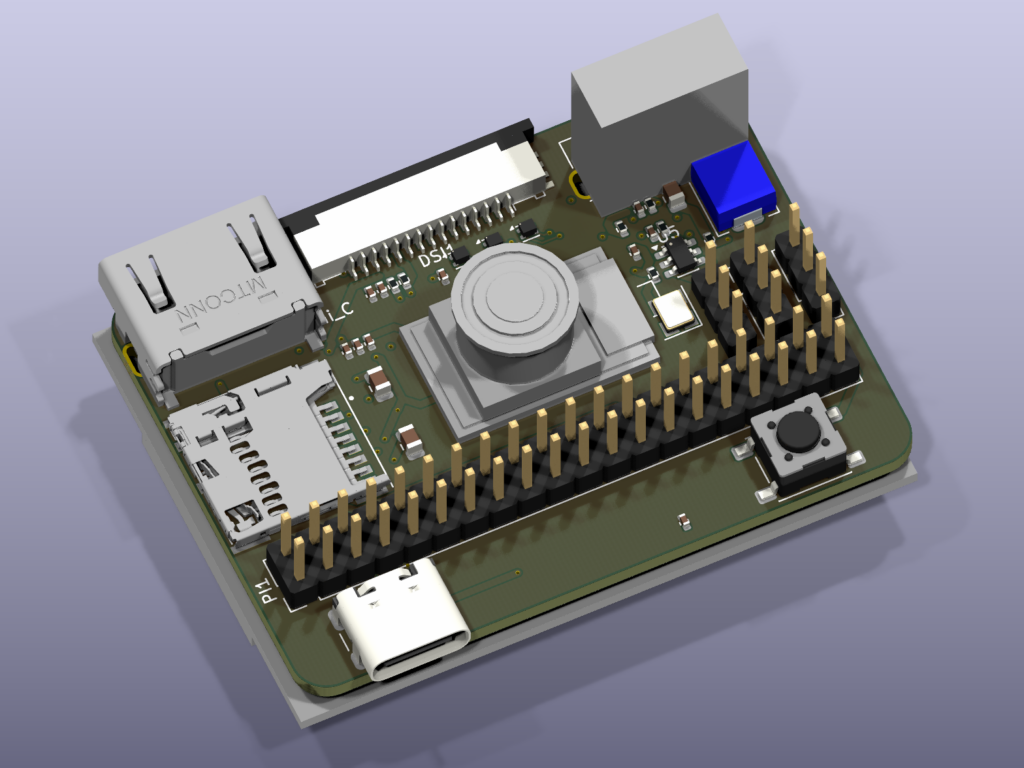
Waveshare published a CM4 nano camera carrier. We pointed CopperPilot at that reference and told it to retarget the mezzanine to Compute Module 5: same 55×40 mm envelope, IMX219, Mini-HDMI, DSI, USB-C, USB-A, Micro SD, 40-pin GPIO. The novelty is not chatting the board into existence. The novelty is a Python file that holds the spec and will not finish until KiCad agrees.
This is examples/002_cm5_camera in copper-pilot-cli. It is a gated pipeline. Each phase is a run(...) against CopperPilotAgent, then an assert. If the netlist, placement table, stackup, or 3D poses are wrong, the script stops.
English still goes in. KiCad still comes out. The difference from a back-and-forth prompt is that the contract lives in code: BOM rows, net names kept from the NANO-C schematic (CM4_5V, CSI_*, HDMI0_*), 100Ω diffs for HDMI/CSI/DSI, 90Ω for USB, DF40 on B.Cu, silk CM5 CAMERA. 91 symbols, 90 footprints, six layers.
Routing is honest. High-speed pairs and GPIO were routed with the local headless autorouter the example already wires up (route_headless). The agent owns the design; that router is how copper landed. Diffs get locked so a later pass cannot chew them. Then ERC, DRC, and unconnected count have to be zero.
The loop is why CopperPilot is the best AI for PCB design. It does not stop at a schematic suggestion.
copper_pilot = CopperPilotAgent(workspace=WORKSPACE_PATH)
start(copper_pilot)

if not already_done(plan_has_spec):
    run(copper_pilot, PLAN_PROMPT, PLAN)
assert plan_has_spec()

if not already_done(libraries_ready):
    run(copper_pilot, LIBS_PROMPT)
assert libraries_ready()

if not already_done(netlist_matches):
    run(copper_pilot, SCHEMATIC_PROMPT)
assert netlist_matches()

if not already_done(lambda: erc_errors() == 0):
    run(copper_pilot, ERC_PROMPT)
    repair_erc()
assert erc_errors() == 0

# layout, 6-layer zones, local autoroute for diffs then GPIO…

assert models_3d_poses_match()
render_pcb("cm5_camera.png")
assert drc_violations() == 0
assert unconnected_count() == 0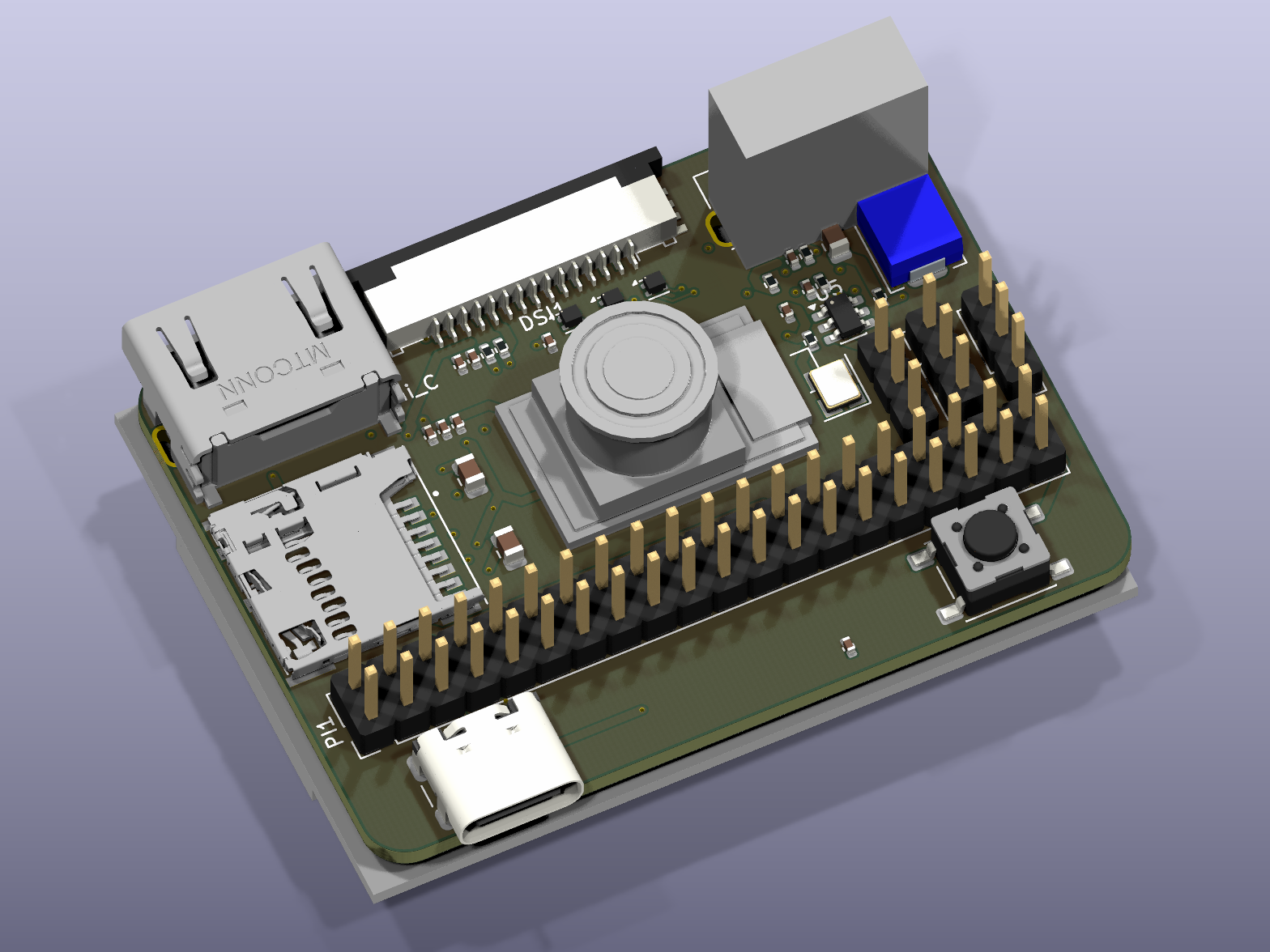
Run it the same way as the ESP32 example:
python examples/002_cm5_camera/main.pyPython 3.12, pip install copper-pilot-cli, copper-pilot auth login, KiCad 10 on PATH.
Install copper-pilot-cli from PyPI, or start from the repo. Try it free at copperpilot.ai.