
If you already use Deep Agents in the terminal, this shape of client will feel familiar. The difference is the work: CopperPilot designs boards. The same hosted agent that lives in KiCad is now a thin, open-source Python client — on PyPI, in your shell, and as a LangChain Runnable.
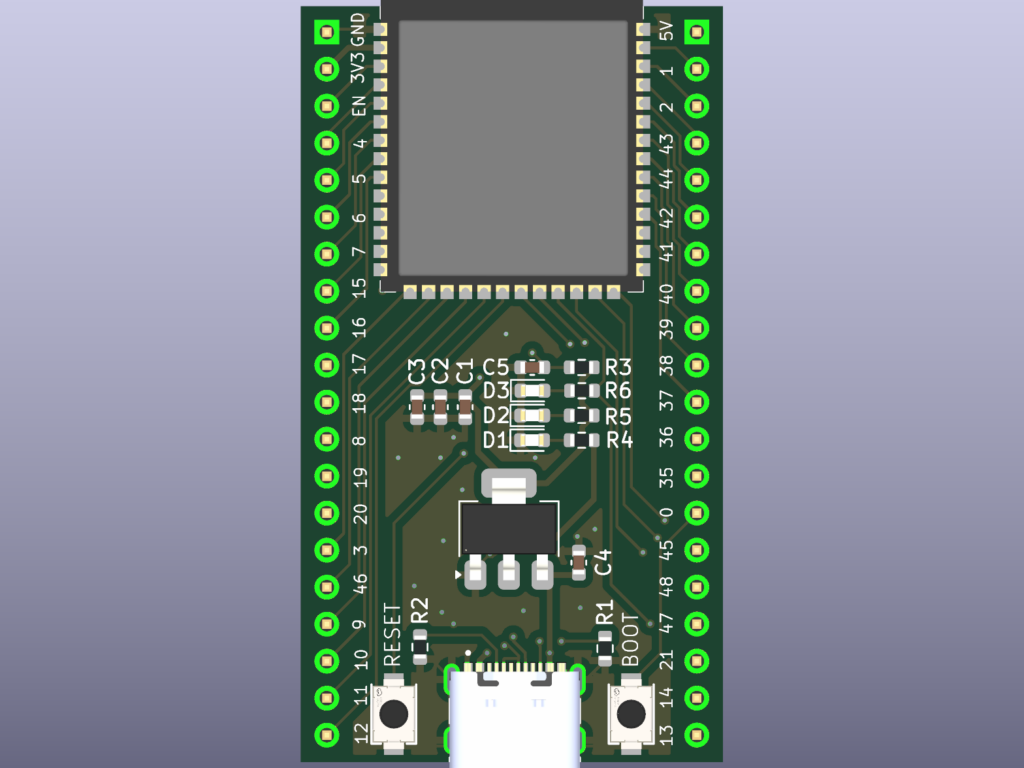
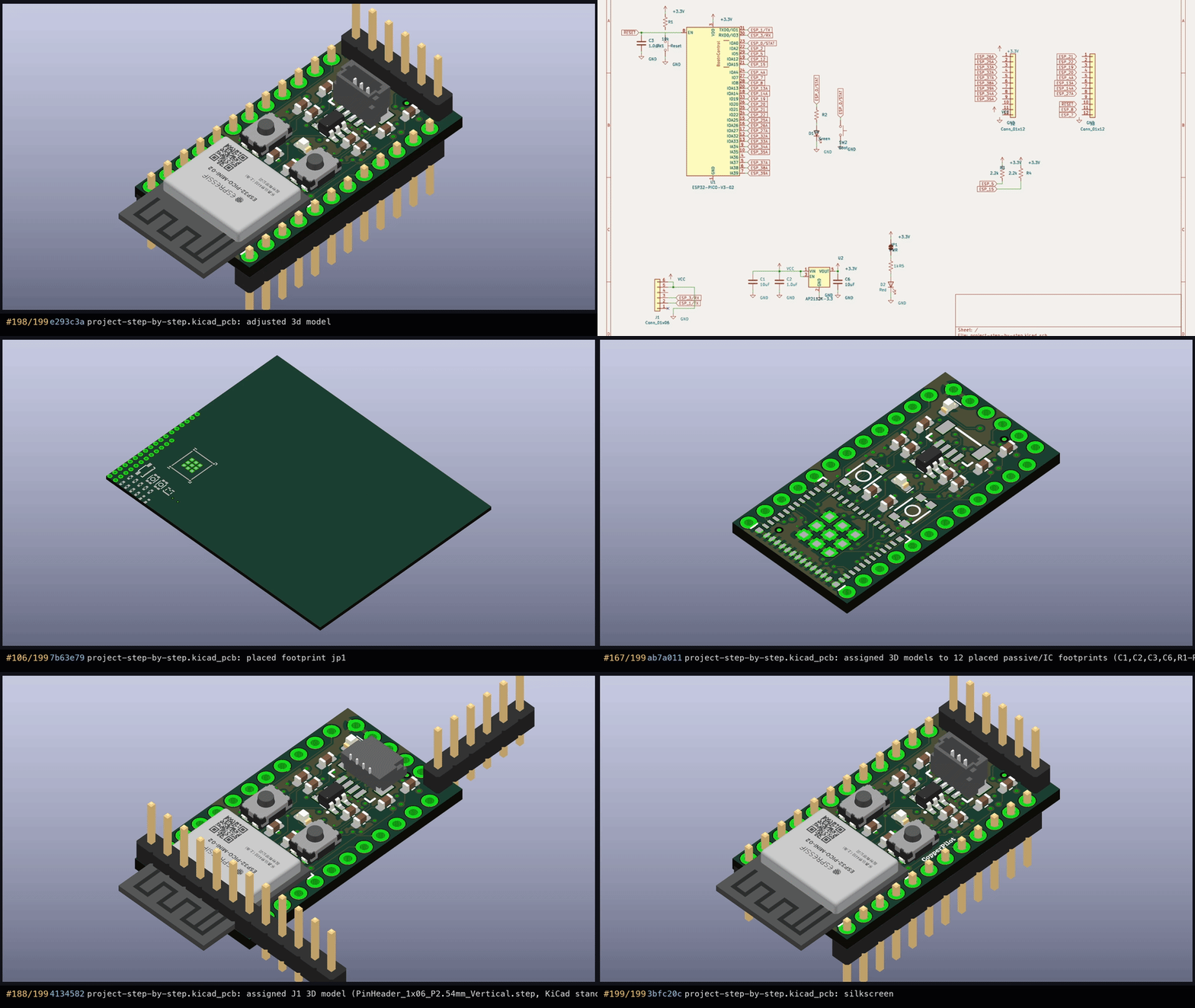
English in. KiCad out. The first example is an ESP32-MINI-1 board: planned, built, 3D models filled in, then asserted clean on ERC and DRC.
Install it like any other Python tool:
pip install copper-pilot-cli
copper-pilot
The first interactive launch opens a browser for device login. Point it at a workspace and you are in a chat. Headless is the same program:
copper-pilot ./my-board
copper-pilot --resume
copper-pilot -n -m "Review this board" --json
copper-pilot ./my-board --mode plan -m "Propose a power tree"
CopperPilotAgent is not a chat model. It is one hosted agent run, including local tool requests. Use as_langgraph() when you want it inside a graph, or as_compiled_subagent() when an outer Deep Agent should delegate a board. The compatible deepagents runtime is pinned by the package.
The ESP32 example is the whole loop in a few lines — plan, build, inspect, then prove the board with KiCad itself:
from copper_pilot_cli.copper_protocol import CopperMode
from copper_pilot_cli.langchain import CopperPilotAgent
from helper import drc_violations, erc_errors, render_pcb, run

PLAN = CopperMode.PLAN
copper_pilot = CopperPilotAgent(workspace="esp32")

run(copper_pilot, "Build me an ESP32 dev board.", PLAN)
run(copper_pilot, "Let us build this plan.")
run(copper_pilot, "Inspect the PCB, check for any missing 3D models, and apply them accordingly.")

assert erc_errors() == 0
assert drc_violations() == 0
render_pcb("esp32.png")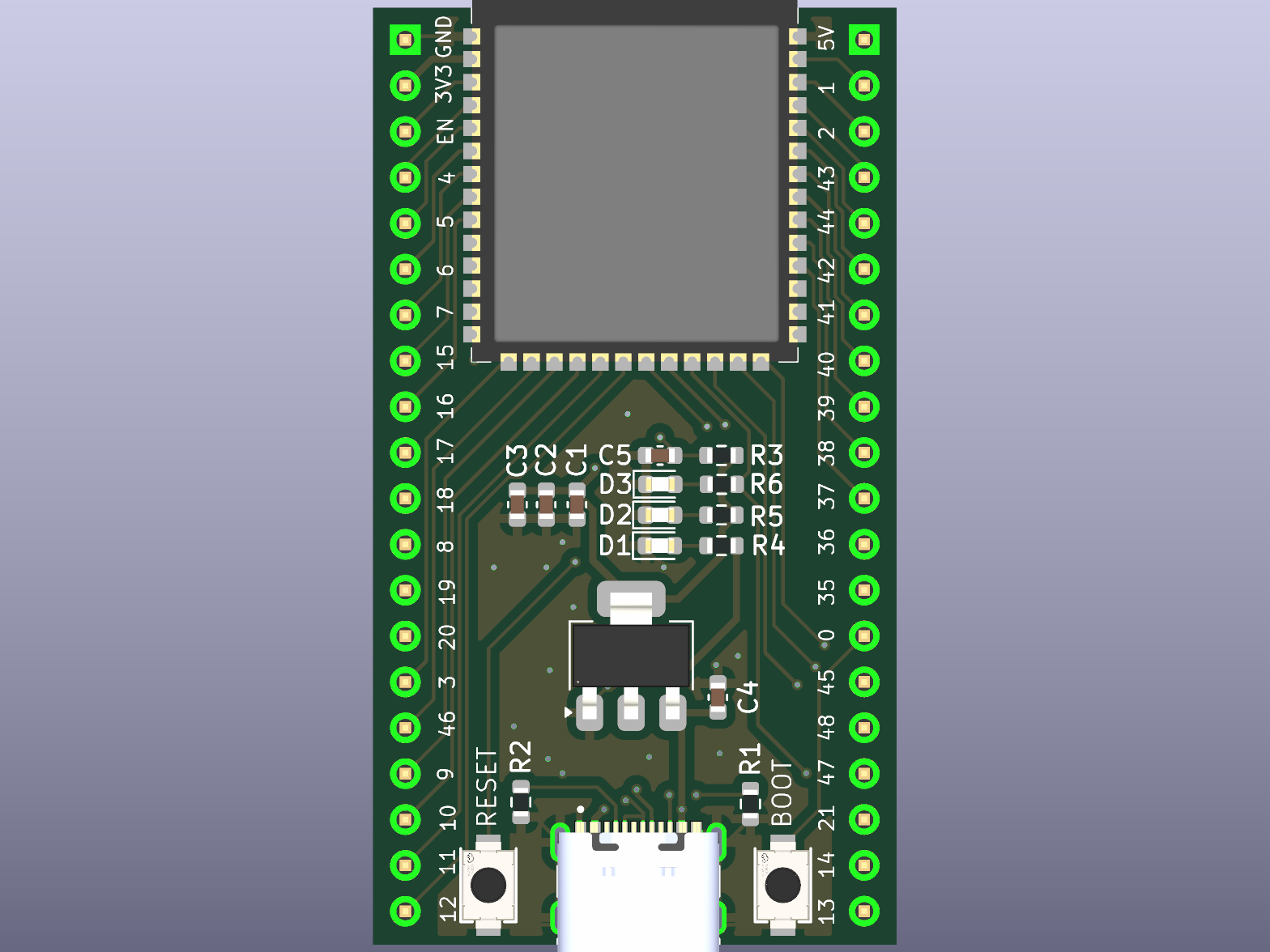
Local side effects stay gated. Reads and searches run freely. Writes, edits, deletes, and shell commands default to Manual approval. Auto allows only deterministic routine actions; unknown work still asks. YOLO has to be set on purpose.
That is the point of putting the agent in the terminal and in LangChain: hardware teams already have scripts, CI, and graphs. The board should be a step in those, not a separate product you have to leave the repo for.
Install copper-pilot-cli from PyPI, or start from the repo. Try it free at copperpilot.ai.