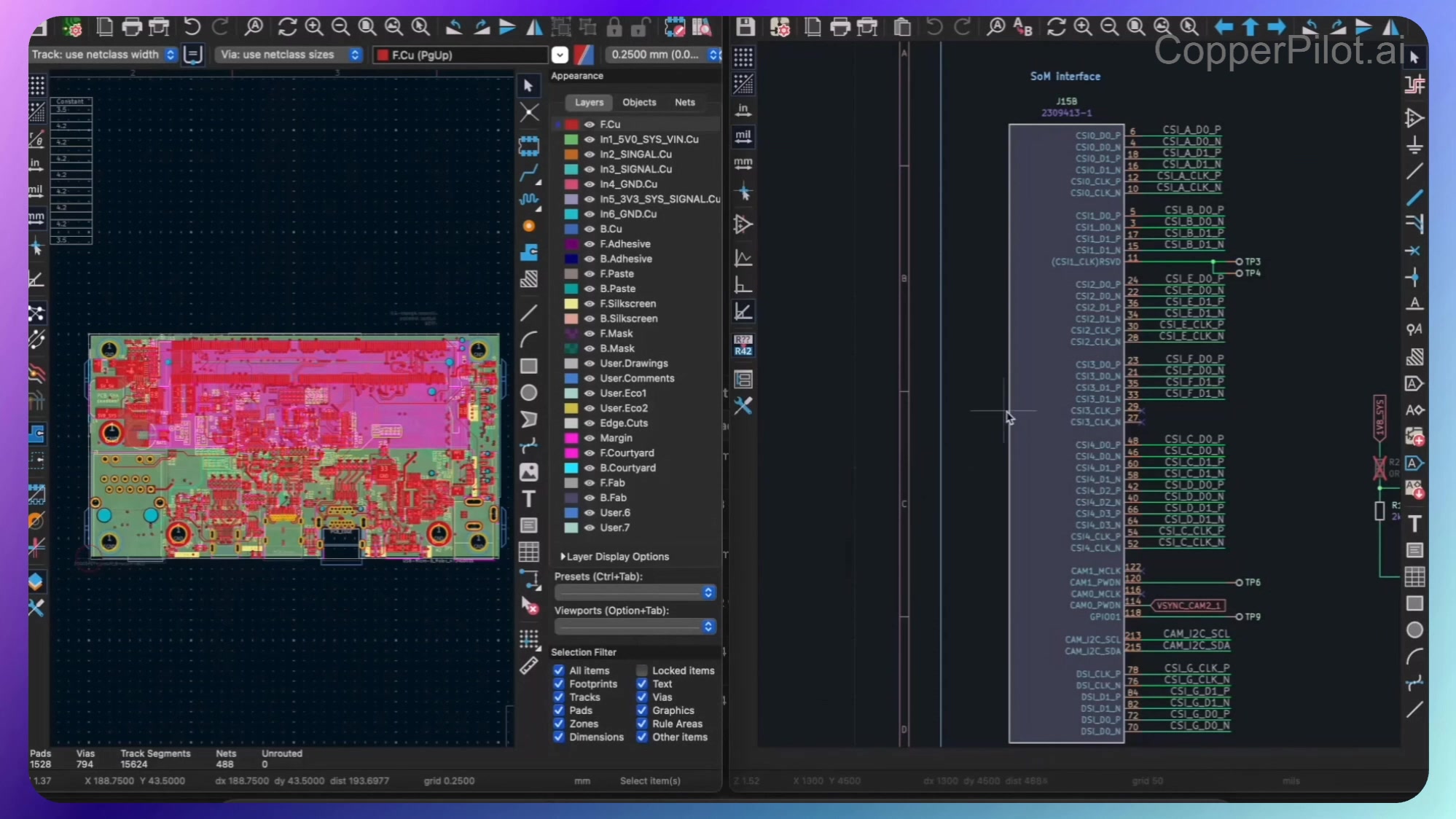
CopperPilot is the AI copilot that lives inside your EDA tools so you can design faster and
catch issues early. This overview walks through the main capabilities: design context and
datasheets, reference schematics, agentic design, BOM and sourcing, and design review.
Design Context and Datasheets
Start by selecting a portion of your design and pasting it into the chat. CopperPilot pulls
in the relevant datasheets for the components you’ve selected, so you can ask quick
questions right in the chat. You can also tag specific components with @ so the
agent always looks at the right parts of your design.
Reference Schematics
You can ask datasheet questions and turn them into reference schematics. For example, click
on a component and ask for the typical wiring diagram. CopperPilot reads the datasheet,
figures out the wiring, and draws you a reference schematic.
Agentic Design
CopperPilot can also help with the design itself. It can automatically wire up sections of
your schematic. Review the suggestion and click accept changes—the updates drop straight
into your design.
BOM and Sourcing
Finalizing the BOM can be painful: matching suppliers to your volumes, optimizing passives
and IC choices, weighing local vs. imported sourcing with taxes and tariffs in mind, and
estimating volume pricing. That usually means reading your design and pulling data from the
web for each part.
CopperPilot streamlines this: it gathers the details and aggregates them into clear
tables—part numbers, volume pricing, supplier info—so you can make BOM and sourcing
decisions without juggling tools and spreadsheets.
Review Agent
CopperPilot also works as a review agent. Select a section of your design and click Review.
You can edit the review prompt if you’d like, then hit enter.
CopperPilot reads the relevant datasheets—including any published errata—and uses its
continuity and pathway testing to verify that all the right connections are in place. So you
can catch errata and edge-case issues in the design phase, before they turn into costly
board spins. It uses both the datasheet and errata documentation to flag problems early.
Key Takeaways
- Datasheets in context: Select design, get relevant datasheets, tag components with
@ - Reference schematics: Ask for typical wiring or other diagrams; CopperPilot draws them from the datasheet
- Design help: Auto-wiring and other suggestions that drop straight into your design
- Supplier survey: Aggregated BOM and sourcing tables for part numbers, pricing, and suppliers
- Early review: Datasheet and errata–aware review with continuity and pathway testing
All of this lives inside your design tools. If you’d like to try CopperPilot, we’re
running an early access program—check us out at CopperPilot.ai.